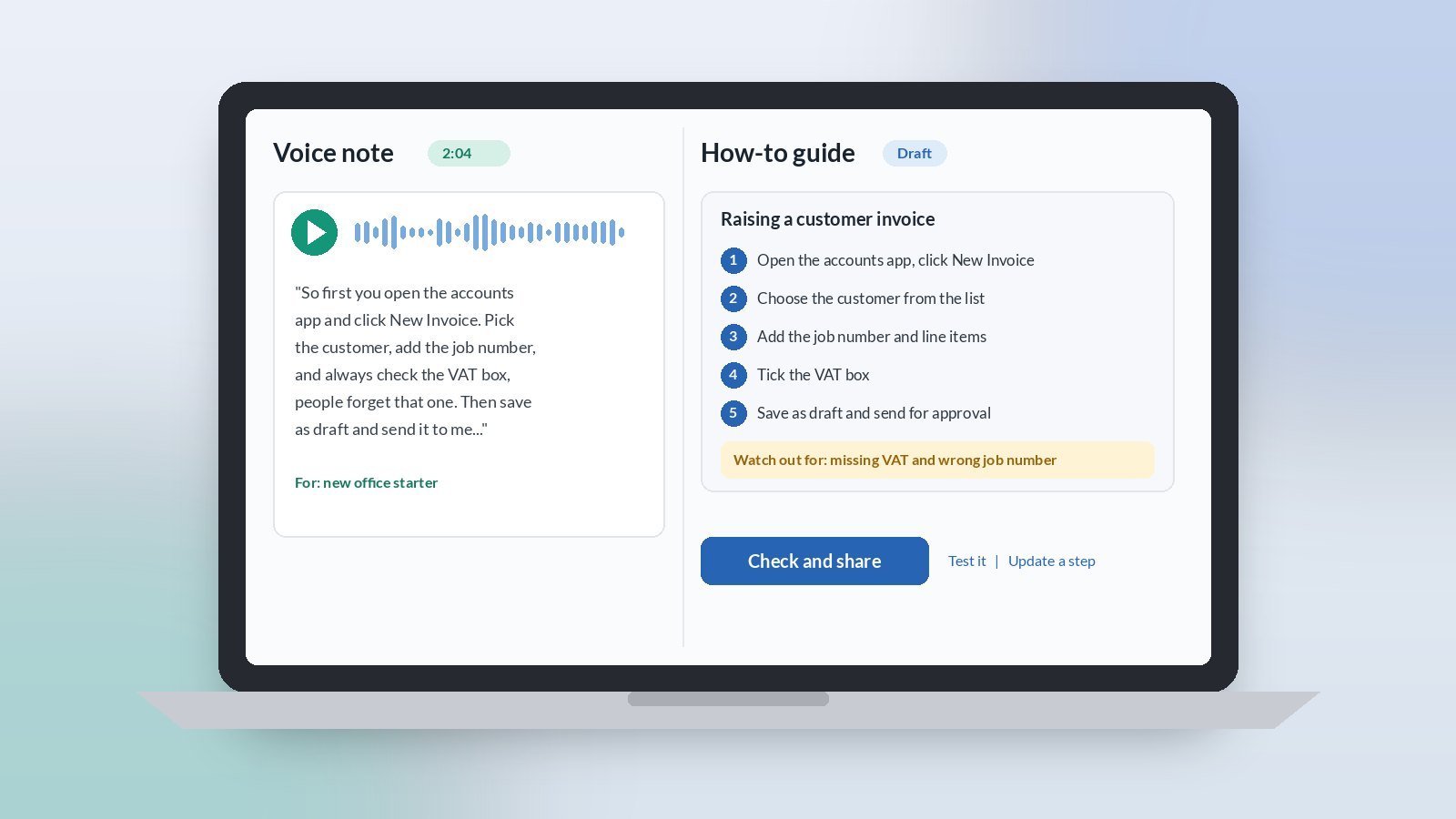
AI for staff how-to guides is a practical win for owner-led UK SMEs. The know-how for everyday jobs often lives in one person’s head, so every new starter or holiday cover means the same questions again. A light AI assist can turn a two-minute voice note into a clear, step-by-step guide your team can follow. You read it, fix anything that is not right, and share it the same day.
For small firms in Scotland and across the UK, this is not about a thick manual. It is about the five or six jobs people ask you about most, written down once in plain English.
Why use AI to write staff how-to guides?
Because you already know how the job is done. What stops you writing it down is the blank page and the time it takes to put the steps in order. AI is good at that part. You talk it through as if you were showing someone, and the tool turns it into numbered steps, a short list of what you need, and the common mistakes to avoid.
Which jobs should you write up first?
Start with the jobs that cause the most interruptions. Good first picks are things like:
- Raising an invoice or a purchase order in your system
- Booking a job into the diary and confirming it with the customer
- Opening up or locking up the office or yard
- Setting up a new customer or supplier
- Ordering materials from your usual merchant
If you are not sure which jobs take the time, our guide to mapping where the week goes helps you spot them before you start.
What does AI need to write a good how-to guide?
Keep the input simple:
- A walk-through. Do the job once and talk through each step out loud, or record a voice note straight after. Mention the screens, buttons or places you use.
- The gotchas. The two or three things people usually get wrong, and what happens when they do.
- Who it is for. A new starter, an office assistant, or someone covering for a week. This sets the level of detail.
Then ask for a short guide with a one-line purpose, numbered steps, a “you will need” list and a “watch out for” section. If talking is easier than typing, our guide to speech-to-text for busy SME owners shows how to dictate it between jobs.
What should you check before you share it?
- The order. Follow the steps yourself, or ask someone new to try them while you watch. Gaps show up fast.
- Anything invented. AI can fill a gap with a step that sounds right but is not how you work. Delete it.
- Passwords and personal data. Never paste logins, bank details or customer information into the tool, and keep them out of the guide.
- Length. One screen or one page is plenty. If it runs longer, it is probably two jobs.
- Where it lives. Save it somewhere the team already looks, such as a shared folder or your team chat, not a new system.
How do you keep the guides up to date?
Put a name and date at the bottom of each guide. When someone spots a step that has changed, they tell the owner, who records a quick voice note and asks the tool to update that step only. That takes a couple of minutes and stops guides quietly going out of date.
How should you trial it?
For the next month, write up one job a week. Record the walk-through, let the tool draft the guide, have someone else test it, then share it. By the end of the month you have four guides and fewer repeat questions.
Signs it is working: people check the guide before they ask you, and new starters get going faster. Signs it is not: guides are long and nobody opens them. The fix is usually shorter guides on fewer jobs, not a different tool.
Want help picking the right first jobs for AI?
Accendo Intelligence runs a half-day AI Efficiency Workshop for owner-led firms, from £625 for a small group (typically 3 to 5 people). We map where your week goes, pick the first admin jobs worth a light AI assist, and leave you with a short, ordered plan. Scotland first, UK-wide remote. No tool roundup and no strategy theatre.
This week, notice the question you get asked most often. Talk it through once into your phone. That is most of the guide done.
Leave a Reply