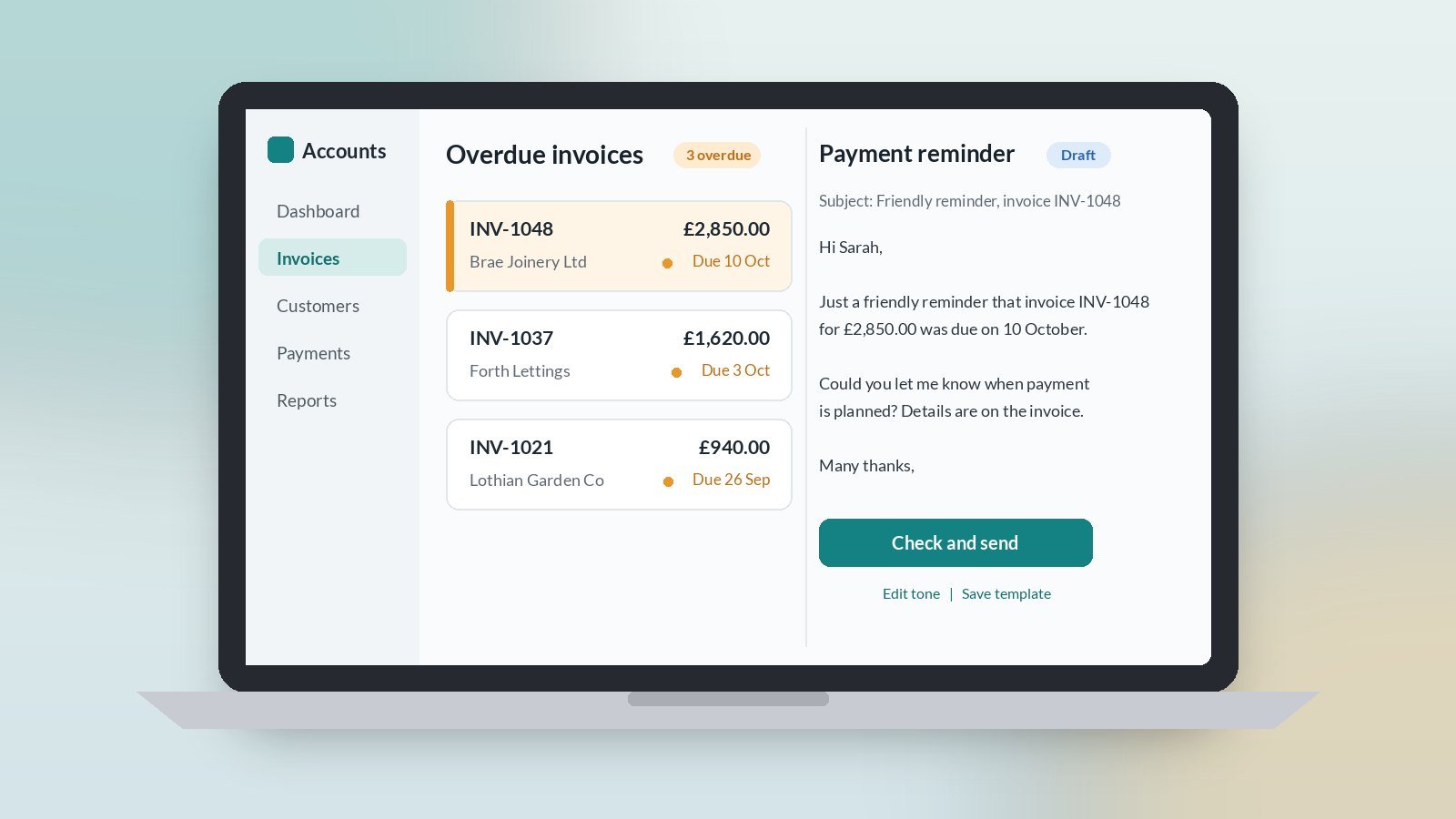
AI for invoice reminders is a simple, low-risk place to start with practical AI for UK SMEs. Chasing payment is nobody’s favourite job, so it slips. A light AI assist can turn a few facts about an overdue invoice into a polite, firm reminder in your own tone, ready for you to check and send. You keep the relationship and the decisions. The tool just does the wording.
For owner-led firms in Scotland and across the UK, chasing usually happens late on a Friday, or not at all until cash gets tight.
Why use AI to chase invoices?
Because the job repeats, the facts are simple and the hard part is the tone. Too soft and nothing happens. Too sharp and you damage a good customer. Most owners put it off because they do not want to write the email, not because they do not know what to say.
A first draft in your style removes that friction. You read it, adjust a word or two and send it.
What does AI need to write a payment reminder?
Keep it to four facts:
- Who and what. Customer name, invoice number and amount.
- When it was due. The due date and your payment terms.
- Which reminder this is. First nudge, second reminder or final notice.
- How to pay. Your usual payment details, copied from your own invoice.
Then ask for a short email in your normal tone: friendly, clear, one ask, one date. If talking is quicker than typing, our guide to speech-to-text for busy SME owners shows how to dictate the facts.
How do you get the tone right at each stage?
Write three short example emails once, and save them as your templates:
- First nudge. A friendly note a few days after the due date. Assume it has been missed, not ignored.
- Second reminder. Still polite, a little firmer, with a clear date to pay by.
- Final notice. Calm and factual. State what happens next under your terms.
Each time, give the tool the right example plus the four facts and ask it to match. Your reminders then sound like you, every time, whoever sends them.
What should you check before a reminder goes out?
- The invoice is really overdue. Check your bank first. Chasing a customer who has already paid is the quickest way to annoy them.
- Numbers and dates. Invoice number, amount and due date must match your accounts exactly.
- Payment details. Copy them from your own invoice, never from the draft.
- Anything about late fees or next steps. Only include what your own terms actually say. If you are unsure, leave it out and take advice.
- Customer data. Share only what the draft needs, and check your tool’s data settings before you start.
Should AI decide who to chase?
No. You know which customers are slow but reliable, which ones are in a dispute, and which relationship needs a phone call instead of an email. Keep that judgement. Use the tool for the words, not the decision.
The same approach works for other awkward emails too. Our guide to AI for email replies uses the same short-notes method.
How long should you trial it?
Four weeks, one person, one weekly slot. Pick a regular time, check what is overdue, and send the reminders that day. At the end of week four, decide: keep, tweak or drop.
Signs it is working: reminders go out on the same day each week, they sound like you, and chasing no longer hangs over Friday afternoon. Signs it is not: you rewrite most drafts, or reminders still sit unsent. The fix is usually better example emails and a fixed weekly slot, not a different tool.
Want help picking the right first job?
Accendo Intelligence runs a half-day AI Efficiency Workshop for owner-led firms, from £625 for a small group (typically 3 to 5 people). We map where your week goes, pick the first admin jobs worth a light AI assist (chasing is often one), and leave you with a short, ordered plan. Scotland first, UK-wide remote. No tool roundup and no strategy theatre.
This week, pick one overdue invoice, write the four facts, let the tool draft the reminder, check it and send it.
Leave a Reply