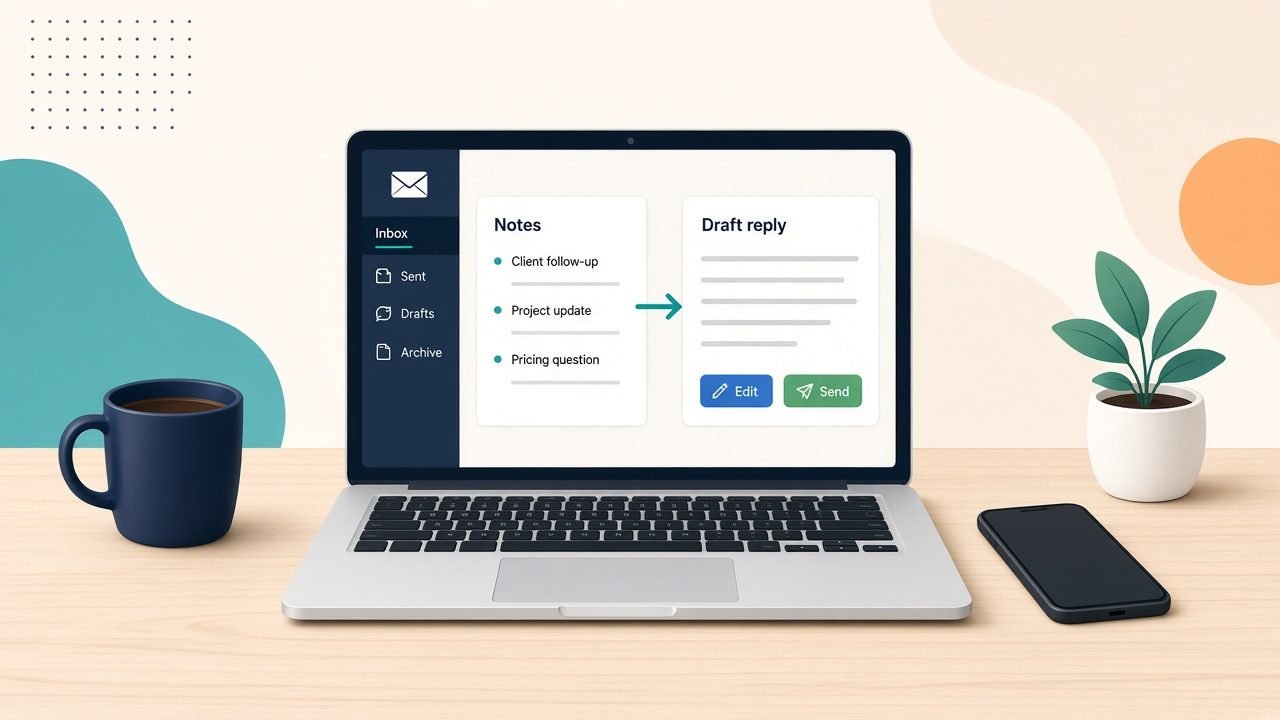
AI for email replies is the easiest place for most UK SMEs to start with practical AI. Not because the tools are clever, but because the job repeats every day, you already know the answers, and you still press send. Write three bullet notes, let a tool draft the reply, edit it in your own voice, and send. That is the whole method.
Owner-led firms in Scotland (and across the UK) lose hours to the inbox. Not to the hard emails. To the same handful of answers written from scratch, again and again.
Why start with email replies?
Because the risk is low and the feedback is quick. You read every draft before it goes out. You can tell within a week whether it saves time or just adds a step.
Email replies also show you where the real friction sits. If a draft is wrong, it is usually because the facts live in someone’s head, not because the tool failed.
Which emails should AI help with first?
Pick the replies you write most often and dread least. Good candidates:
- Enquiries asking about price, availability or how you work
- Booking, rescheduling and confirming appointments
- Polite chasers for quotes, payments or decisions
- Follow-ups after a call or a site visit
- Supplier questions that need the same three facts each time
Leave out anything sensitive, angry or legal. A complaint, a dispute or a staff matter needs you, not a draft.
How do you get drafts that sound like you?
Give the tool your answers, not a blank page. Before the trial, write down:
- Your five most common replies, in your own words
- The facts they rely on (prices you are happy to share, lead times, opening hours, what you need from the customer)
- A few lines on tone: how you greet people, how formal you are, how you sign off
Then, for each email, jot three bullets: what they asked, what the answer is, and what happens next. Ask for a short reply in your tone. Edit, then send.
The bullets matter more than the tool. If you cannot write the three bullets, the email needs thinking, not drafting.
What should you never hand over?
- Sending. A person reads and sends every client-facing reply.
- New promises. If a draft adds a date, a discount or a guarantee you did not give it, delete it.
- Private details you would not paste into a shared document. Check your tool’s settings and your own data rules before you start.
Treat every draft like a message from a new starter. Helpful, quick, and checked before it leaves the building.
How long should the trial run?
Four weeks, one inbox, one person. Before you start, note roughly how long replies take you in a normal week and which ones you put off. At the end of week four, look again and decide: keep, tweak or drop.
Signs it is working: fewer emails sitting overnight, less rewriting of the same answer, and replies you are happy to send with light edits. Signs it is not: you rewrite most drafts, or you spend longer prompting than typing.
If it works, add the next common reply type. If it does not, the fix is usually better notes and clearer answers, not a different tool.
Want help setting this up?
Accendo Intelligence runs a half-day AI Efficiency Workshop for owner-led firms, from £625 for a small group (typically 3 to 5 people). We map where your week goes, pick the first admin jobs worth a light AI assist (email replies are often one), and leave you with a short, ordered plan. Scotland first, UK-wide remote. No tool roundup and no strategy theatre.
Start with the replies you write every week. Three bullets, one draft, your edit, your send.
Leave a Reply